Installing Putback
- 1Open the DMG.
- 2Drag Putback to Applications.
- 3Grant Accessibility when asked.
About the Accessibility permission
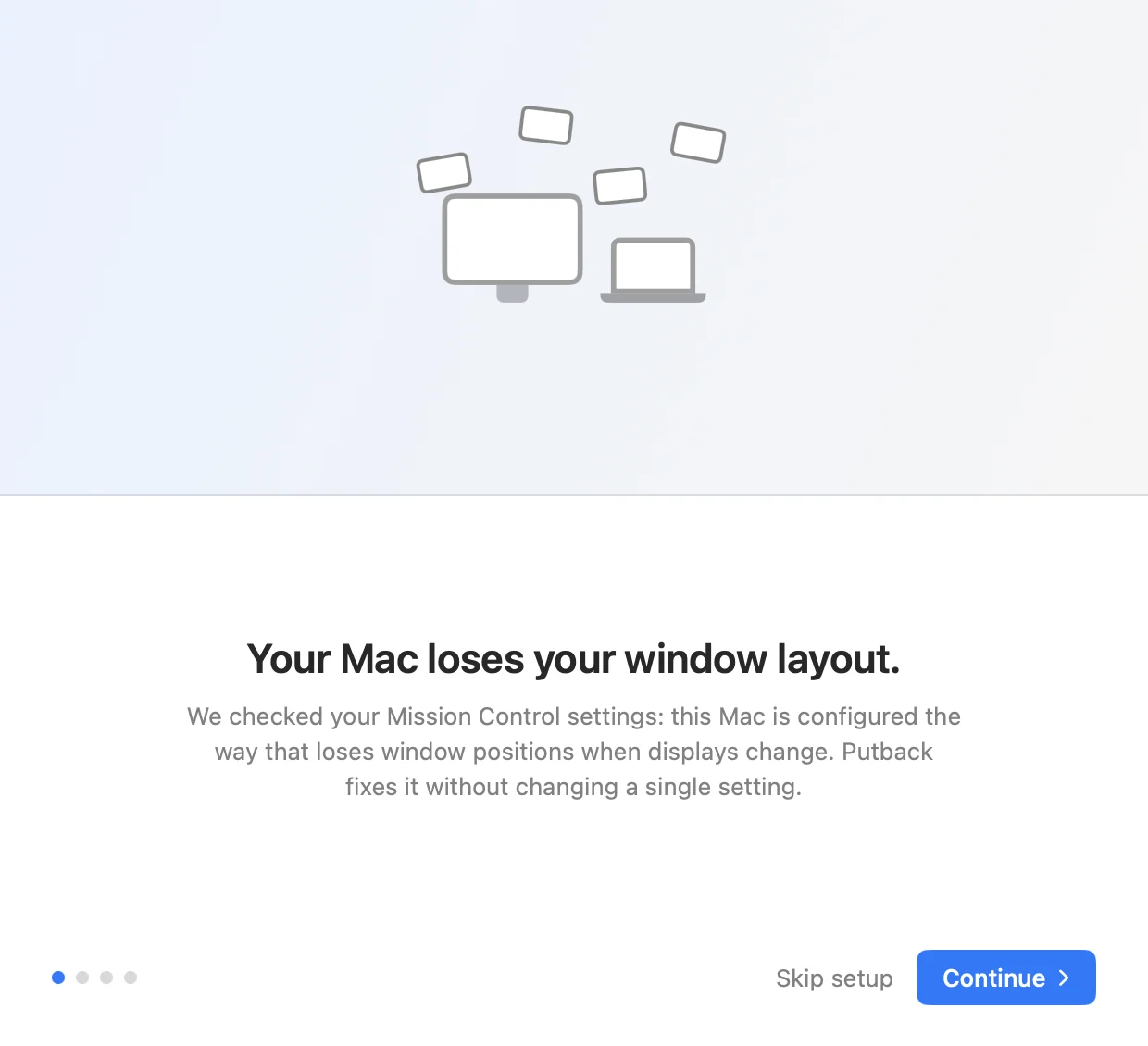
It is the standard macOS permission for any app that moves windows (Rectangle and Magnet use the same one). Putback uses it only to put windows back. Your layouts never leave your Mac, the app is signed and notarized by Apple, and the privacy policy is one page.
Not sure your monitor is affected? Check your monitor.
What it runs on
macOS 14 Sonoma or later. The download is a universal build, so it runs natively on Apple silicon and Intel and there is only one version to get. Any number of displays; Sidecar and DisplayLink have not been tested yet, so try yours during the trial. The current version is 1.3.4, and every release is listed in the changelog. Updates arrive through Sparkle, the standard macOS update framework, so the app tells you when there is a new one.
After the seven day trial
The trial is the whole app, not a reduced version, and it does not ask for a card to start. When it ends you pay once: $19 for one Mac, $29 for five, $79 for twenty. There is no subscription and no account. Your license key is the whole account, and you can move it between Macs yourself in the license portal.